CRM · ERP · HRMS
Run your whole business from one screen.
Custom CRM, ERP, HRMS, inventory, sales and employee management, built around how your team actually works.
Typical timeline: 4–8 weeksor chat on WhatsApp
In plain words
What is a business management system?
A business management system brings your sales, stock, orders, staff and reports into one place. Instead of juggling spreadsheets and separate apps, your team works from a single screen built around your process. Common types are a CRM for customers and sales, an ERP for operations and stock, and an HRMS for people.
What changes
What changes for your business?
Your data lives in ten spreadsheets that never agree.
One system, one version of the truth.
Off-the-shelf software forces you to change how you work.
Software shaped around your process, not the other way round.
You cannot see what is happening without asking around.
Live dashboards and automated reports, any time.
Who it's for
Built for businesses like yours
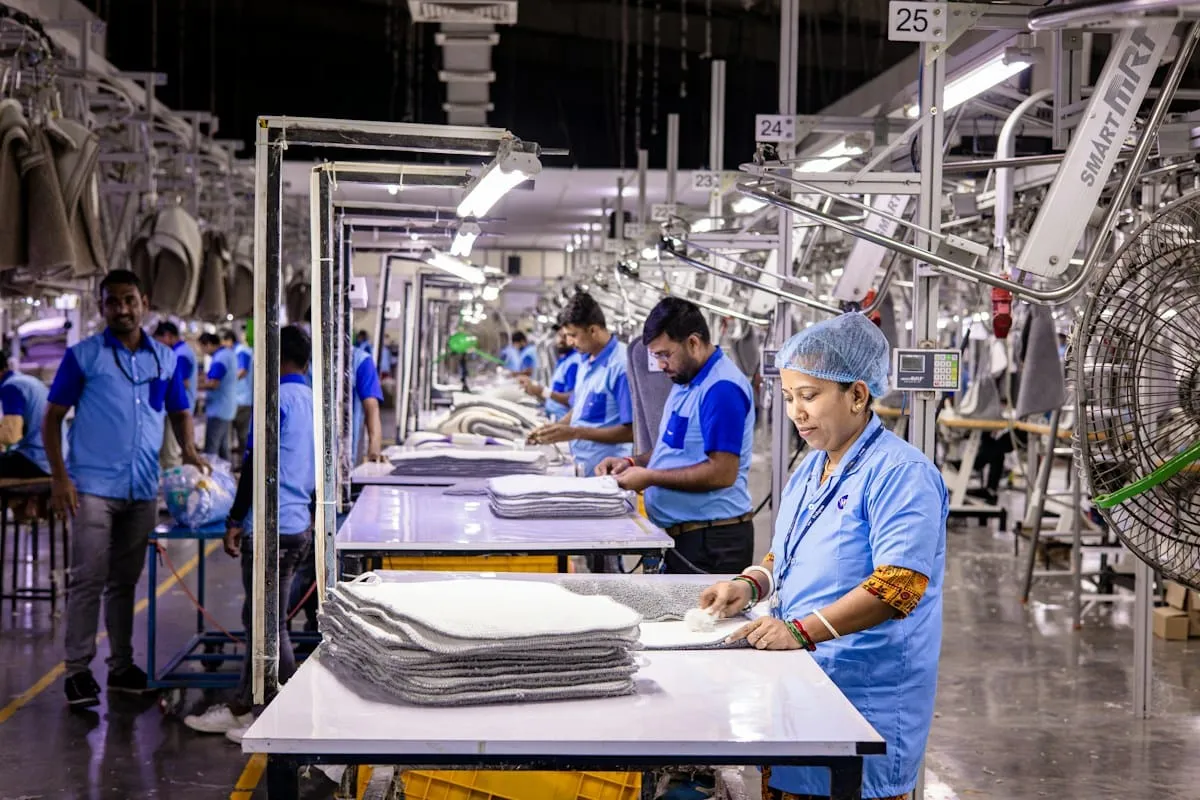
Manufacturing & distribution
Track orders, stock and dispatch across locations.

Agencies & services
Manage clients, projects and team workload in one place.
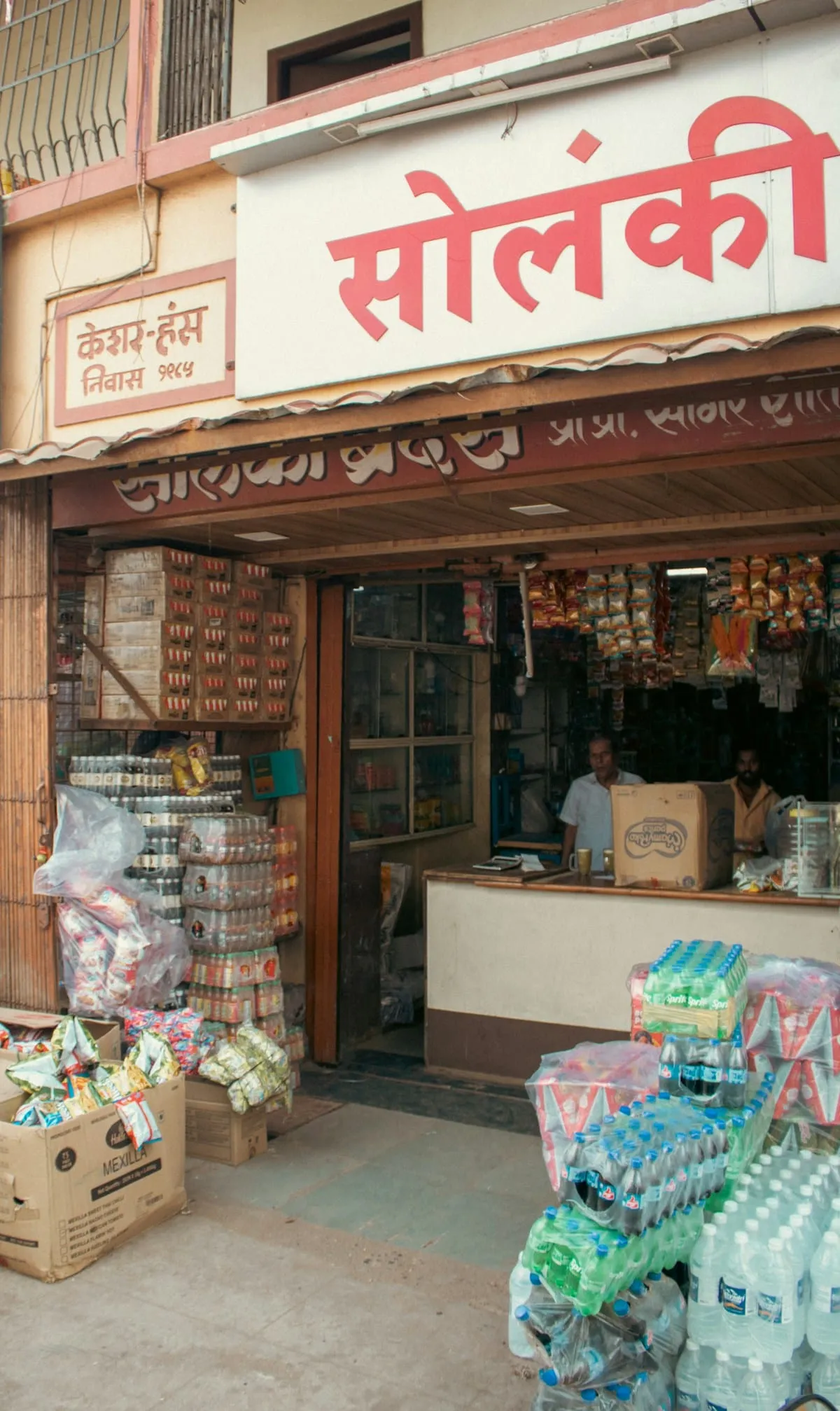
Retail & multi-branch
See sales and stock for every branch on one screen.
Features
Everything your business system can handle
Lead & sales pipeline
Every lead and deal, from first call to payment.
Inventory & orders
Live stock levels, purchase orders and dispatch.
HR, attendance & leave
Attendance, leave and payroll inputs without paperwork.
Role-based access
Each person sees only what they need.
Automated reports
Daily and weekly reports, sent automatically.
Integrations
Connects to WhatsApp, email, accounting and payments.
Deliverables
What you get
- A process-mapping workshop
- A custom web app for your team
- Modules for your workflows (sales, stock, HR and more)
- Roles and permissions
- Dashboards and automated reports
- Data moved over from your spreadsheets
- Training and launch support
Process
From idea to deployment
Step 1: Process discovery
We map how work flows through your team today.
Step 2: Design & prototype
We design the screens and test them with the people who will use them.
Step 3: Build & migrate
We build the system in stages and move your existing data in.
Step 4: Launch & support
We train your team, go live and fine-tune in the first weeks.
FAQ
Questions about Business Management Systems
Why not just use off-the-shelf software?
Off-the-shelf tools are great when they fit. Custom software makes sense when your process is your advantage, or when you pay for five tools that don't talk to each other.
Can you move our existing data?
Yes. We import from spreadsheets and most existing tools as part of the build.
Does it work on phones?
Yes. Everything we build works in the browser on desktop, tablet and phone.
Who owns the software?
You do. The code and the data are yours.
Related services
All servicesWorkflow & Automation Systems
Approvals, alerts and reports that run themselves, so your team stops copy-pasting.
ExploreInternal AI Tools
Private AI co-pilots, smart inboxes and dashboards you can question in plain English.
ExploreBooking & Reservation Platforms
Online bookings with payments and reminders, and no double-bookings.
Explore
Have a project in mind?
Tell us what you're looking to build. We'll understand your requirements, recommend the right solution and share a tailored proposal.
No fixed packages. No unnecessary commitments. Just solutions built around your needs.