You can go through all of Rupak's work on GitHub and the portfolio.
WORKFLOWS · APPROVALS · DASHBOARDS
Stop copy-pasting. Start automating.
Business workflows, approval systems, internal tools and reporting dashboards that remove repetitive work and keep everyone in sync.
Typical timeline: 2–6 weeksor chat on WhatsApp
In plain words
What is workflow automation?
Workflow automation connects your tools so routine work happens on its own. When a lead arrives, an invoice needs approval or a report is due, the system moves the data, alerts the right person and records what happened. People step in only where their judgement is needed.
What changes
What changes for your business?
Without itWith Upaay Labs
Data is copied between sheets, email and the CRM by hand.
Your tools talk to each other, automatically.
Approvals stall in someone's inbox.
Approval flows with reminders and a clear record of every decision.
Reports take hours every week.
Reports build and send themselves.
Who it's for
Built for businesses like yours
Operations
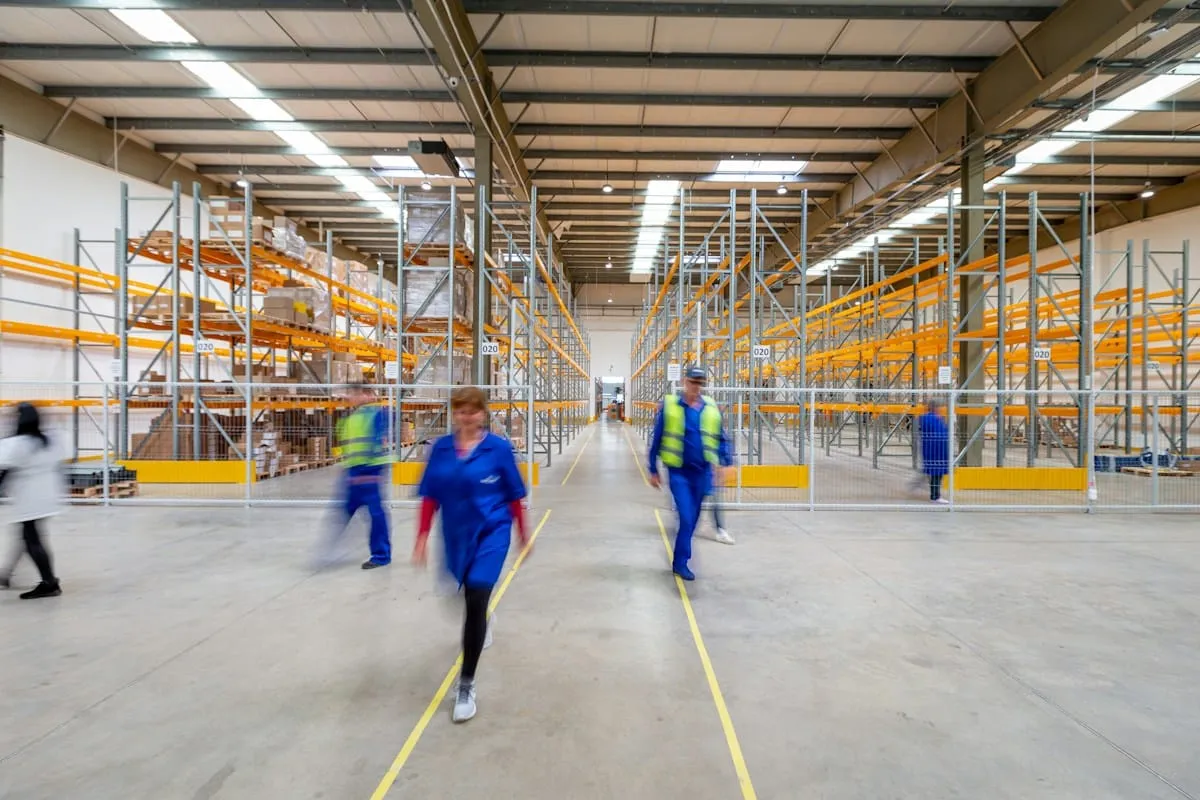
Automate orders, dispatch updates and stock alerts.

Finance & HR
Route invoices, expenses and leave requests for approval.

Sales teams
Route new leads, send follow-ups and update the CRM.
Features
Everything your automations can handle
Approval flows
Requests go to the right person, with reminders.
Auto-reports
Scheduled reports, built and sent for you.
Internal tools
Small apps that replace messy spreadsheets.
Email & WhatsApp alerts
The right people hear about the right events, instantly.
Sheets/CRM/ERP integrations
Connects the tools you already use.
Full audit trail
Every step is logged, so you always know what happened.
Deliverables
What you get
- Workflow map and automation plan
- Automations built and tested
- Approval flows and alerts
- Integrations with your tools
- Monitoring and error alerts
- Documentation and handover
Process
From idea to deployment
Step 1: Workflow discovery
We find the repetitive steps that cost your team the most time.
Step 2: Automation design
We design each flow, including where a person must approve.
Step 3: Build & connect
We build the automations and connect your tools.
Step 4: Test & monitor
We test with real data, launch and watch for errors.
Proof
Built by engineers who've shipped this before
Projects our founders built personally or in previous roles. They are not Upaay Labs client work.
More about Rupak
FAQ
Questions about Workflow & Automation
Which tools can you connect?
Google Workspace, Microsoft 365, WhatsApp, Slack, CRMs, accounting tools and most apps with an API (a way for software to talk to each other).
What happens if an automation fails?
You get an alert, and the step can be retried or handled by hand. Nothing fails silently.
Do we need n8n or Zapier?
Not necessarily. We pick the right tool for your needs and budget, from n8n to custom code.
Can AI be part of the workflow?
Yes. AI can read emails, sort requests or draft replies, with a person approving the important steps.
Related services
All servicesInternal AI Tools
Private AI co-pilots, smart inboxes and dashboards you can question in plain English.
ExploreBusiness Management Systems
Custom CRM, ERP and HRMS built around how your team actually works.
ExploreAI Agents & Chatbots
Chatbots and agent teams that answer from your own documents, with sources.
Explore
Have a project in mind?
Tell us what you're looking to build. We'll understand your requirements, recommend the right solution and share a tailored proposal.
No fixed packages. No unnecessary commitments. Just solutions built around your needs.