
- HomeIVF
Sole frontend owner of a multi-role healthcare platform for patients, doctors, nurses, embryologists and admins. Integrated LiveKit video consultations and Socket.IO real-time chat, resolved 200+ legacy frontend bugs, and contributed to production deployments and CI/CD.
- Yashoda Healthcare
WordPress security investigation and hardening.
MODERNIZATION · APIs · CLOUD
Keep what works. Upgrade everything else.
Legacy modernization, API integrations, cloud migration and performance optimisation, without disrupting daily operations.
Typical timeline: 1–6 weeksor chat on WhatsApp
In plain words
What is legacy modernization?
Legacy modernization means upgrading old software so it is faster, safer and easier to change, without losing the data and workflows your business depends on. It can mean rebuilding slow parts, connecting the system to newer tools through APIs (ways for software to talk to each other), or moving it to the cloud.
What changes
What changes for your business?
Without itWith Upaay Labs
Your core system is slow and nobody wants to touch it.
A faster, cleaner system your team can safely change.
Your tools don't talk to each other.
Integrations that keep data flowing between them.
Servers and deployments are fragile and manual.
Cloud hosting, automated deployments and monitoring.
Who it's for
Built for businesses like yours

Established SMBs
Modernise the system your business already runs on.
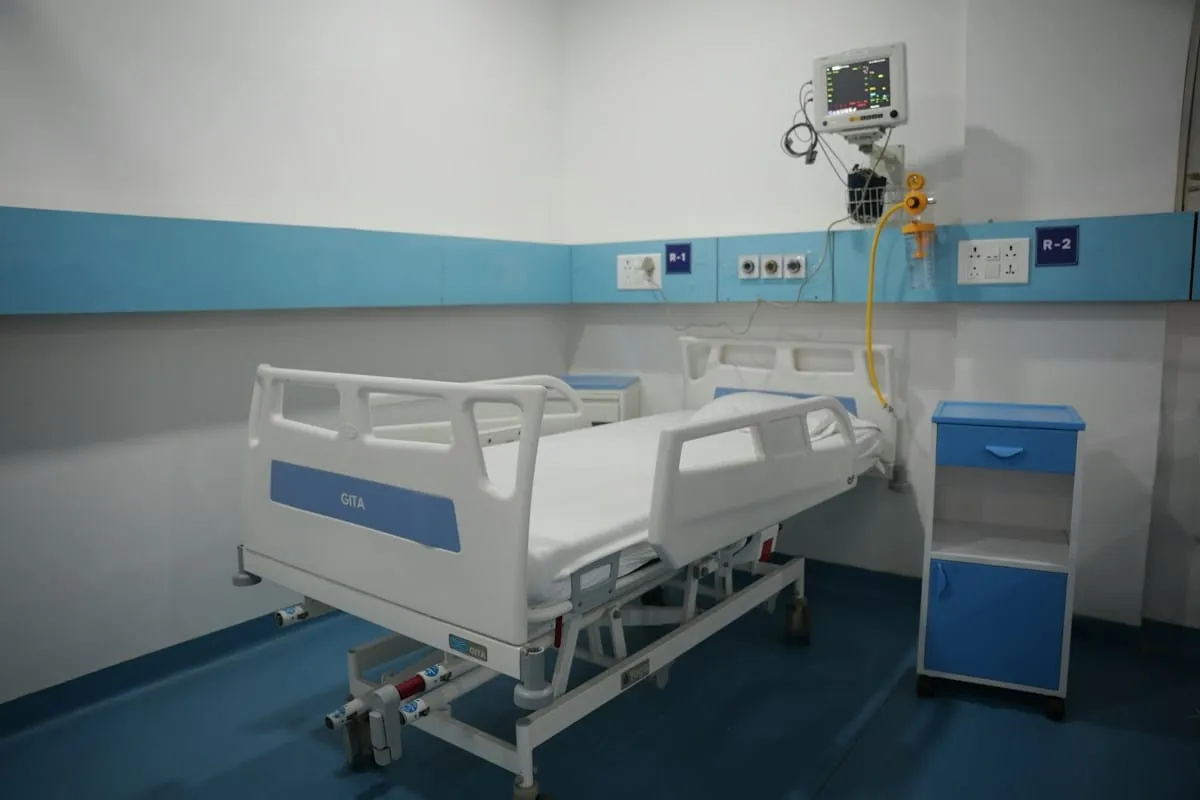
Healthcare & education
Upgrade portals and records systems without disruption.
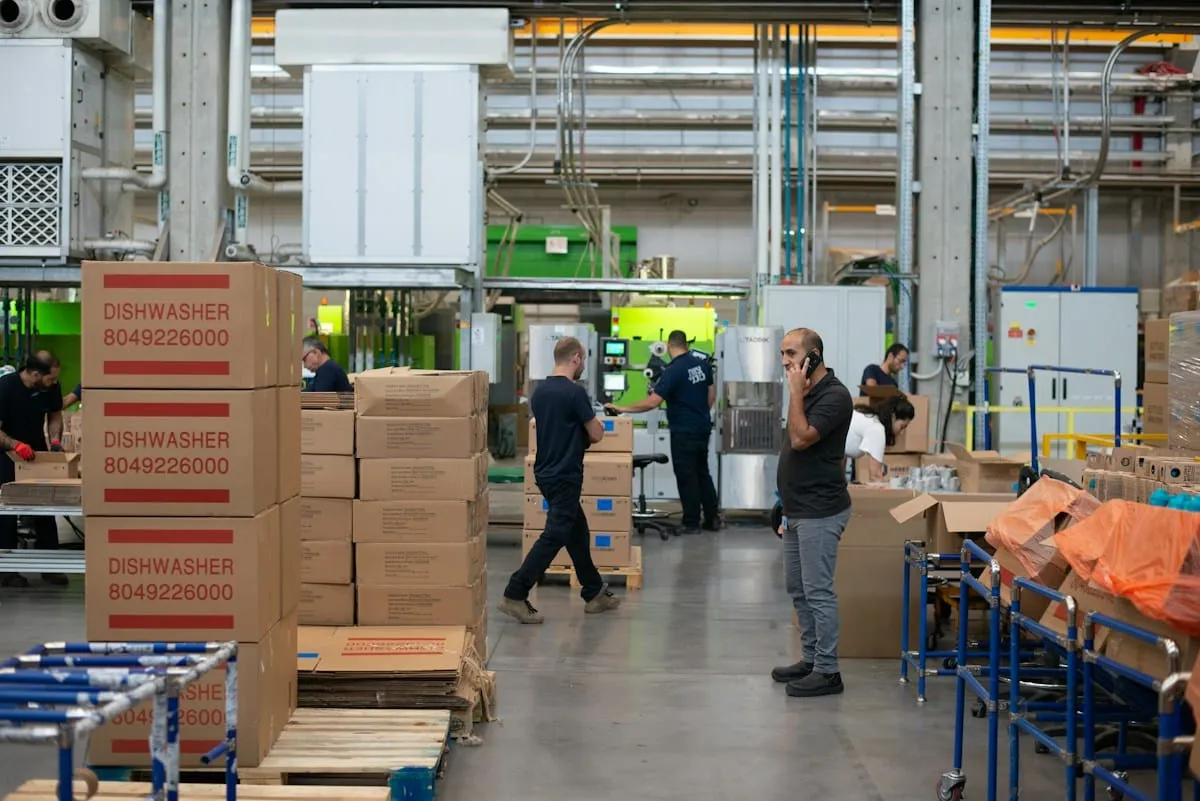
E-commerce
Speed up your store and connect payments, shipping and stock.
Features
Everything your upgrade can include
Legacy rebuilds
Rebuild slow or fragile parts, one piece at a time.
API & third-party integrations
Connect payment, shipping, CRM and other tools.
Cloud migration (AWS)
Move to reliable, scalable cloud hosting.
Performance tuning
Faster pages, queries and load times.
Security hardening
Close known gaps and keep systems patched.
CI/CD & DevOps
Automated testing and deployments, so releases are safe.
Deliverables
What you get
- A technical audit of your current system
- A modernization plan with priorities
- Rebuilt modules or new integrations
- Cloud setup and migration
- Automated deployments and monitoring
- Documentation and handover
Process
From idea to deployment
Step 1: Technical audit
We review your code, servers and integrations to find the real risks.
Step 2: Plan
We agree a step-by-step plan that keeps the business running.
Step 3: Upgrade in stages
We modernise piece by piece, testing as we go.
Step 4: Switch over & monitor
We switch over carefully and monitor closely afterwards.
Proof
Built by engineers who've shipped this before
Projects our founders built personally or in previous roles. They are not Upaay Labs client work.
FAQ
Questions about Modernization & Integrations
Will there be downtime?
We plan changes in stages and schedule any switch-over for quiet hours, so daily operations keep running.
Do we have to rebuild everything?
No. We keep what works and upgrade only the parts that hold you back.
Which cloud do you use?
Mostly AWS, and other providers when they suit your needs better.
Can you work with our old code?
Yes. Untangling and improving existing code is a big part of this work.
Related services
All servicesWebsites & Digital Experiences
Fast, beautiful websites built to rank on Google and show up in AI answers.
ExploreWorkflow & Automation Systems
Approvals, alerts and reports that run themselves, so your team stops copy-pasting.
ExploreCustom SaaS & MVPs
From idea to a launch-ready product, built to scale without a rewrite.
Explore
Have a project in mind?
Tell us what you're looking to build. We'll understand your requirements, recommend the right solution and share a tailored proposal.
No fixed packages. No unnecessary commitments. Just solutions built around your needs.